
Study Spot: Finding a Quiet Place to Study at Sac State
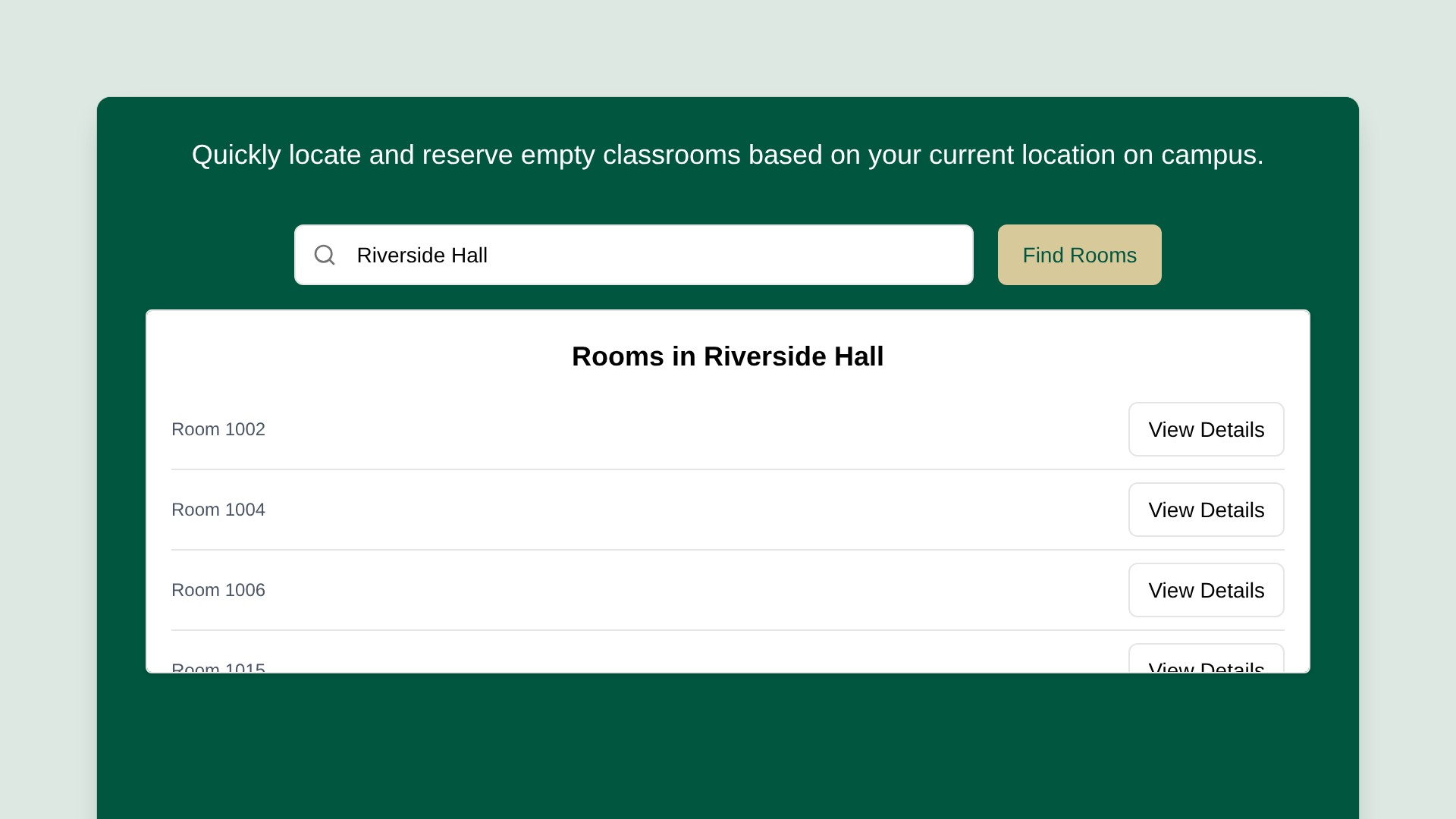
Study Spot is a web app that helps Sacramento State students find empty classrooms to study in. Try it here.
The Problem
Finding a quiet place to study on campus is harder than it should be. The library fills up fast, and wandering from building to building looking for an open room wastes time between classes. Many classrooms sit empty for hours, but there's no easy way to know which ones.
How It Works
Study Spot uses the class schedule to work out which rooms are free right now.
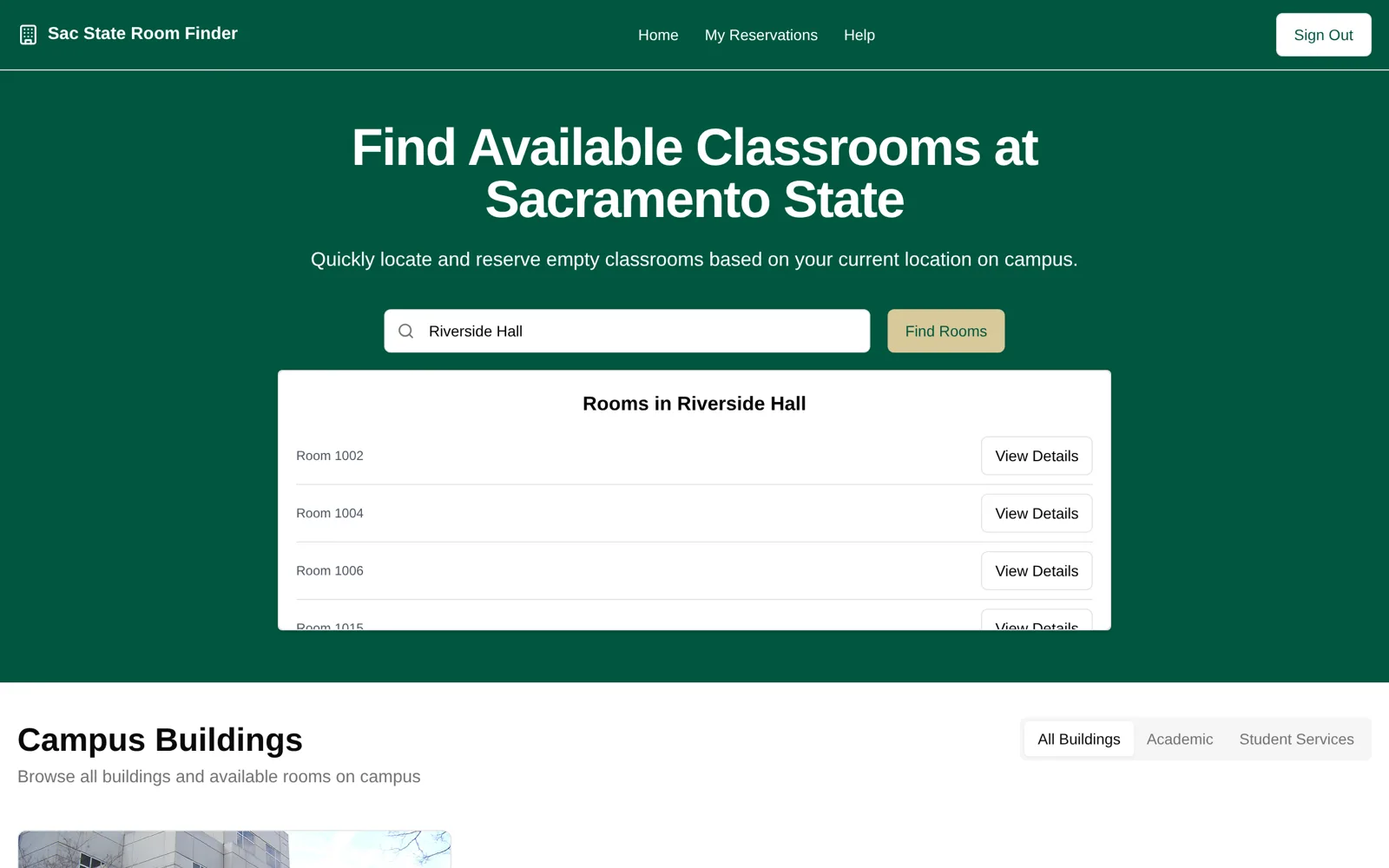
- Browse by building. The app covers 28 campus buildings and 386 rooms, with each building's hours and how many rooms are open.
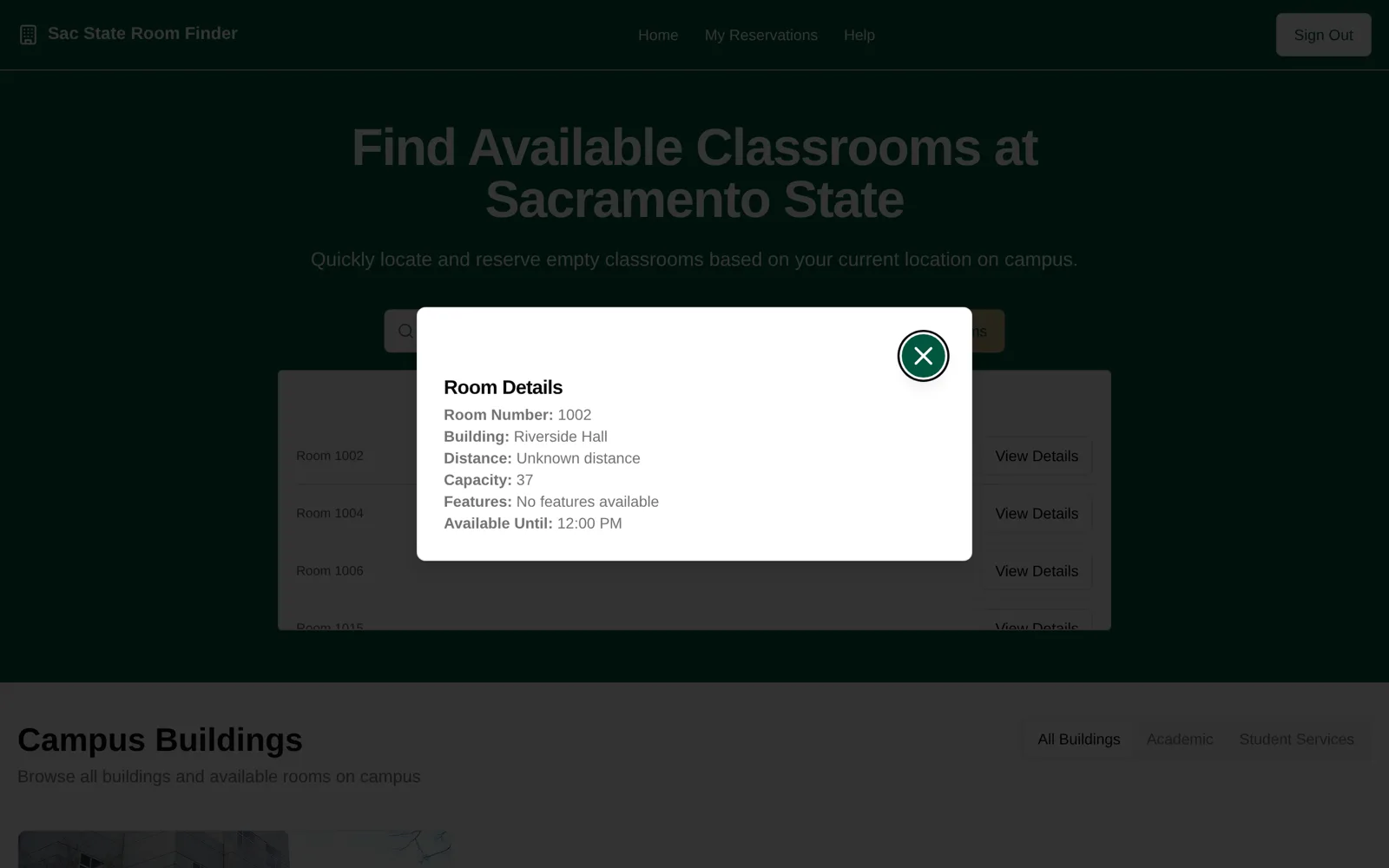
- See what's open now. Pick a building to see the rooms that aren't booked for a class at the current day and time, along with each room's capacity.
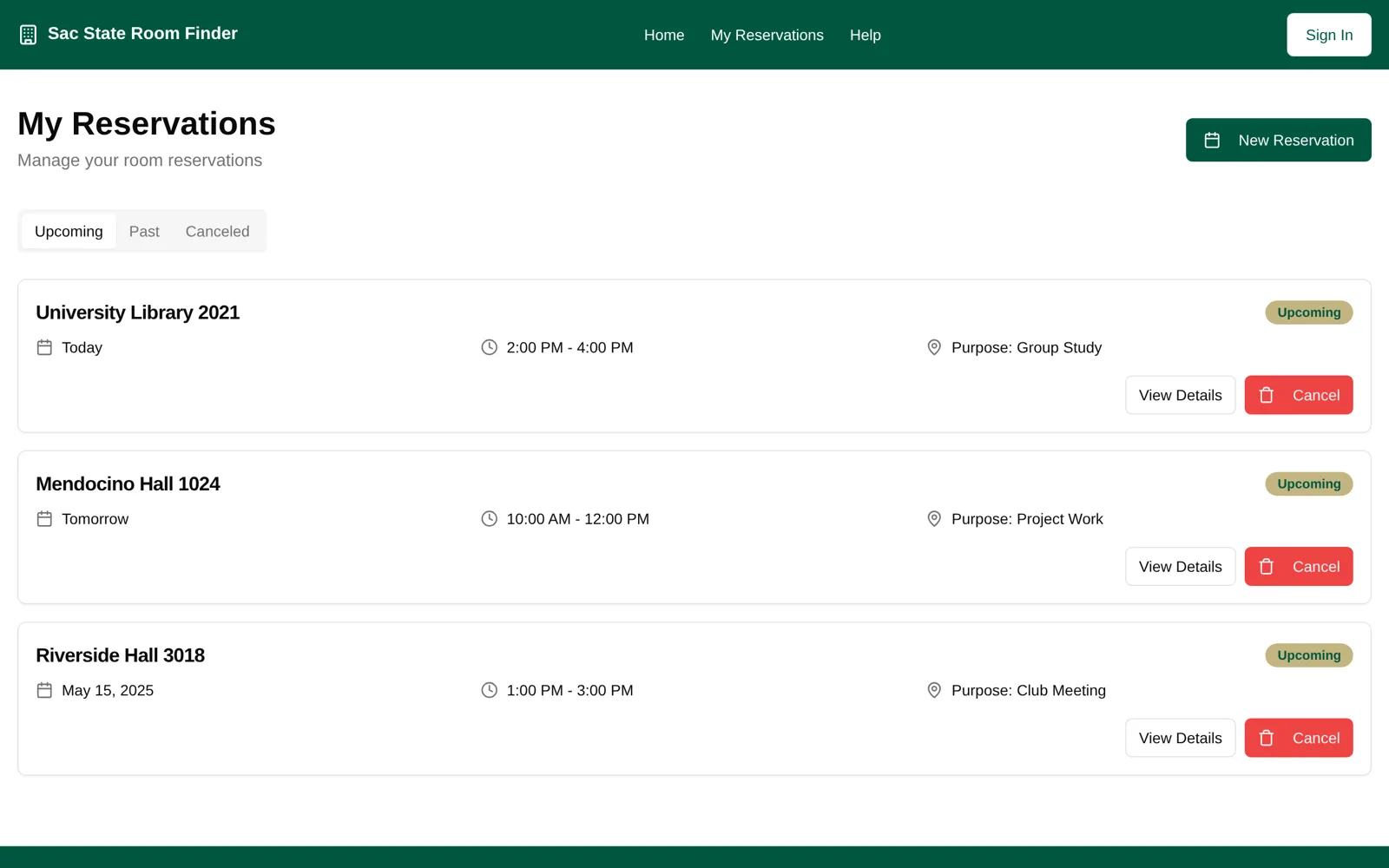
- Reserve a room. Students can save a reservation with a time, purpose, and group size, so friends know where to meet.
- Sign in with a Sac State email. Sign-in is limited to csus.edu addresses and uses an emailed verification code.
How We Built It
I was the team's Scrum Master, leading a 9-person Agile team. I ran our Scrum ceremonies, managed the project in Jira, and architected the app's user flow. I also designed and built core UI components.
We built the frontend with Next.js, TypeScript, Tailwind CSS, and shadcn/ui components. Room schedules and capacities are stored as JSON, and a small Express server sends the sign-in codes through Mailgun. We used GitFlow for branching, and the app is deployed on Vercel.
What I Learned
This project was a crash course in turning messy, real-world data into something useful. Converting the class schedule into a clean "is this room free right now?" check took more work than any of the UI. It also taught me how much a simple tool can help when it solves a problem students run into every day.